
Setting up your POE Sensor
Devices arrive to you already connected to the Vape Guardian system. All that is left to do is link the devices to your own account and then customise your set-up.

The Process
Nothing to download, follow the video and simply login to smf.systems to complete your set-up.
FAQs
I don't have a switch to power the device!
No problem. During setup, and permanently if needed, you can power the device using a 12V mains plug and use the Ethernet cable for network connectivity only.
The lights aren’t matching the sequence shown in the video
Don’t worry. Please continue with the setup as normal and allow the device around 20 seconds after each step to update. If the light sequence still does not match, please contact us at enquiries@vapeguardian.com.
I’ve connected the device, but it isn’t showing online
Please allow up to 20 seconds for the device to power up and connect to the network. If you are using mains power, make sure the 12V power supply is connected securely. If you are using Ethernet, check that the cable is firmly plugged in at both ends and that the network connection is active. If the device still does not appear online, please contact us at enquiries@vapeguardian.com.
Next..
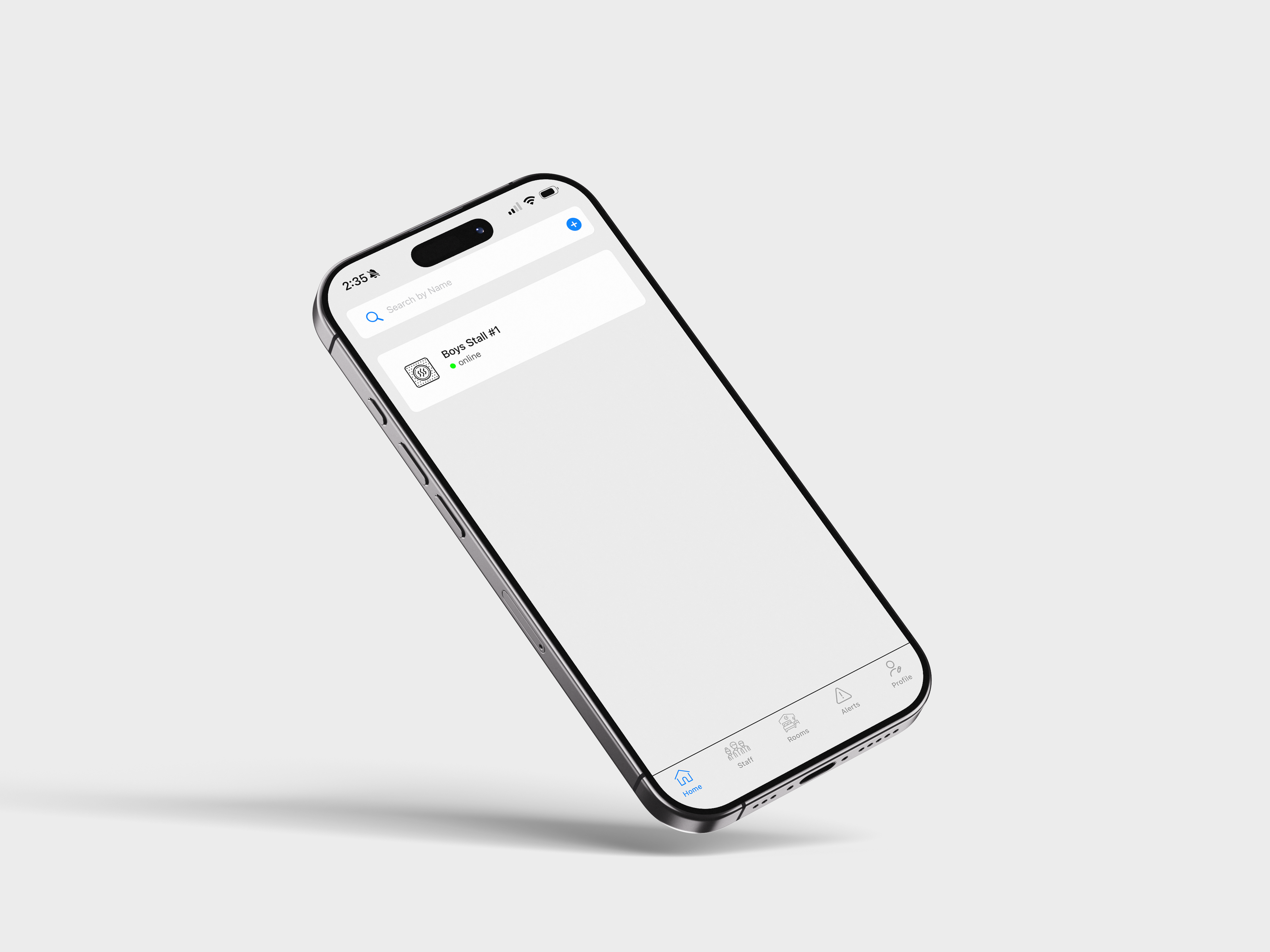
Next up, we’ll continue to the Vape Guardian mobile app. Tap the link below for a quick, step-by-step guide on what to do.